


Over the past 5 years, we’ve seen a significant increase in KYC (Know Your Customer) enforcement across online services. Many platforms now require identity verification before allowing users to complete even basic actions.
However, at yohost, we remain committed to protecting user privacy — just as we always have.
If you want a deeper understanding of our two-layer privacy protection, you can read our full breakdown here:
👉 [article]
In this guide, we’ll focus on something practical:
how to register a domain without KYC in 2026.
What is KYC
KYC stands for “Know Your Customer.”
In simple terms, it means that service providers may require you to verify your identity using documents such as:
- Passport
- ID card
- Proof of address
Years ago, you could register accounts online using placeholder data like John Doe.
Today, in many cases, that same “John Doe” would be required to verify their identity before completing a purchase.
The good news?
There are still domain registrars that do not require KYC.
Is No KYC Domain Registration Legal?
Yes — in most jurisdictions, domain registration without KYC is still legal.
However, keep in mind:
- ICANN requires certain contact information (WHOIS data)
- Some registrars may apply internal policies
- Privacy-focused registrars minimize data collection instead of enforcing strict KYC or use their own corporate data for registration
👉 The key difference is data minimization vs identity verification
How to Register a Domain without KYC
Below is a simple process to register a domain privately.
Step 1 — Go to the Website
Visit: https://yohost.org
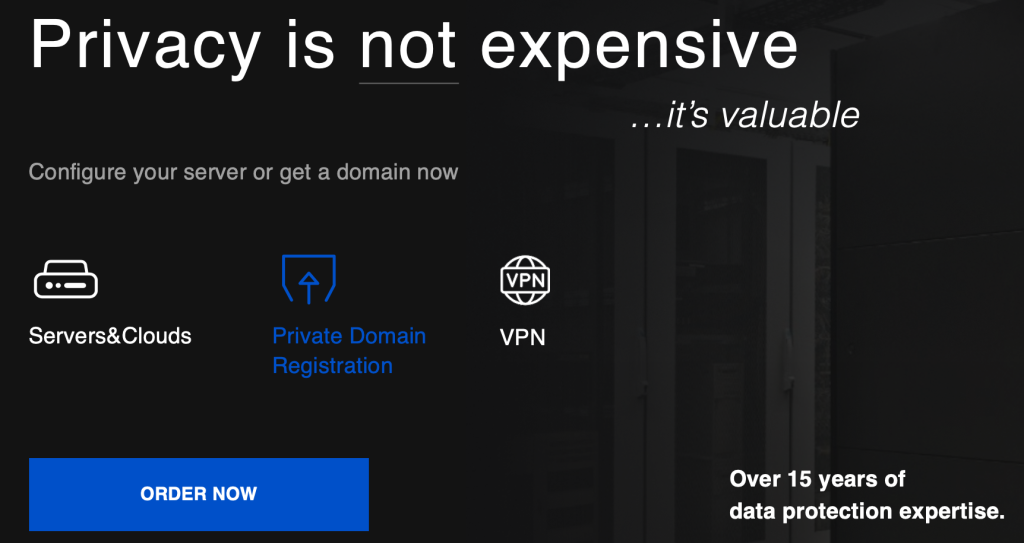
Step 2 — Choose Private Domain Registration
Select the Private Domain Registration option.
Step 3 — Search for Your Domain
Enter your desired domain name and click “Search.”
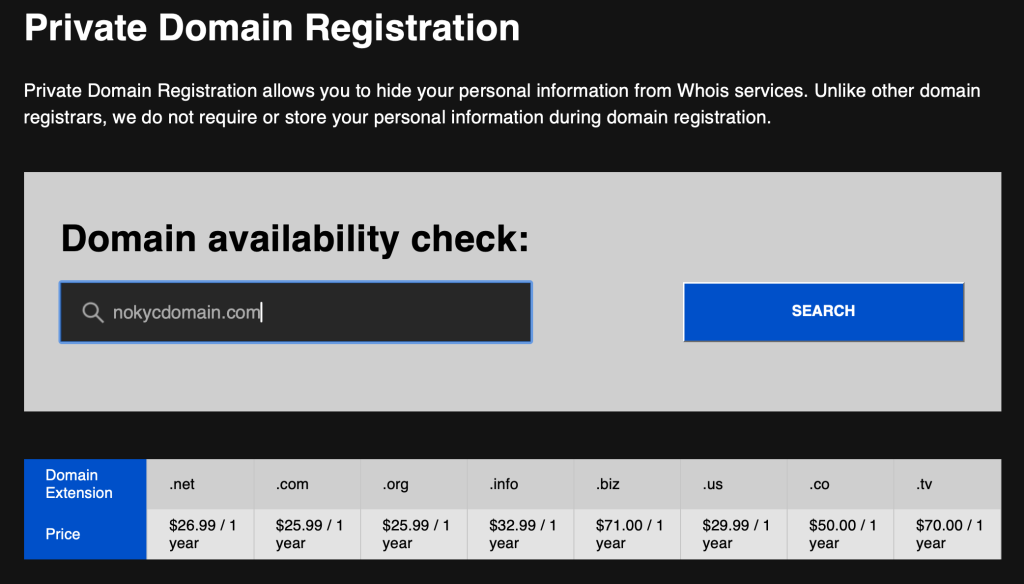
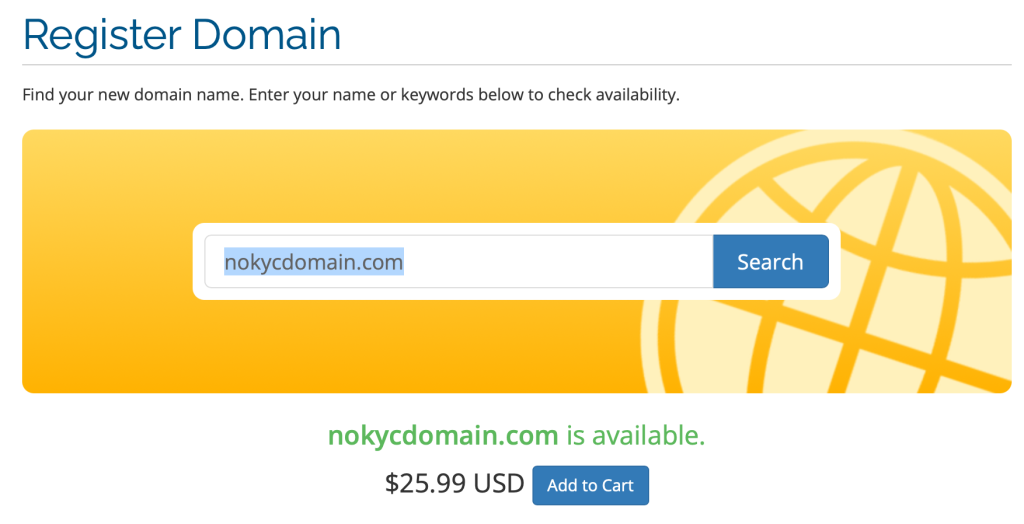
You will immediately see:
- Availability status
- Pricing
- Option to add the domain to your cart
Step 4 — Configure DNS (Optional)
On the next page, you may be asked to configure DNS settings.
If you’re not familiar with DNS:
👉 simply leave the default settings and click “Continue.”
Step 5 — Apply Promo Code (If Available)
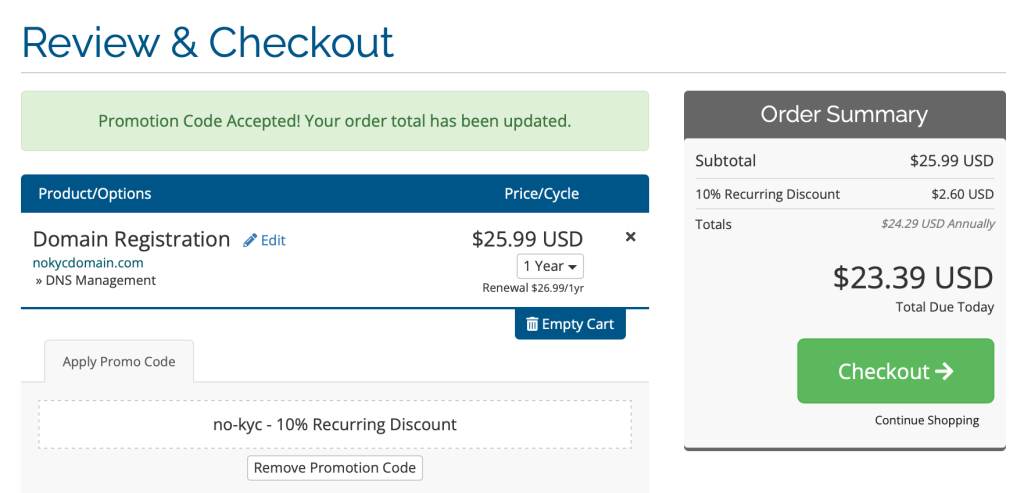
If you have a promo code, you can enter it at checkout.
(Hint: search the screenshot below for one 😉)
Step 6 — Create an Account
You’ll be asked to create an account.
Important:
- Most fields are optional
- You can provide minimal information depending on your privacy preferences
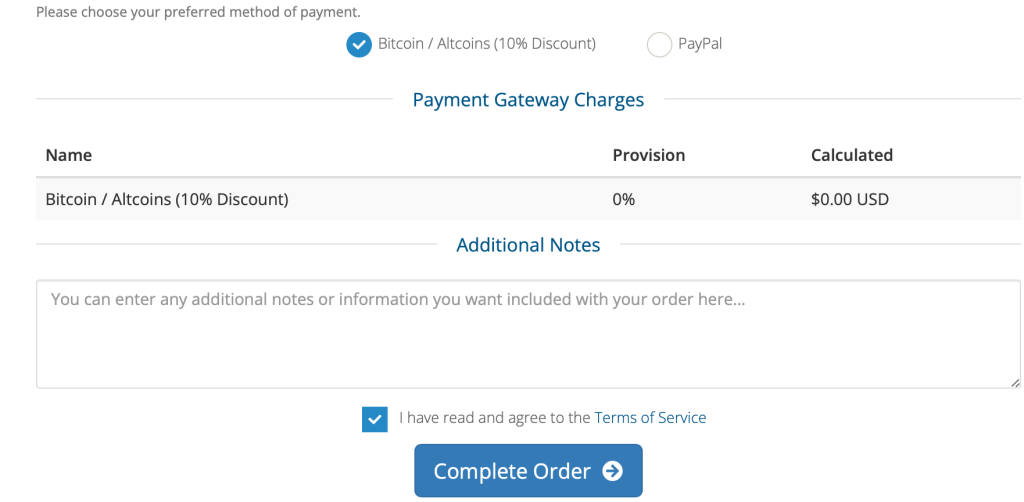
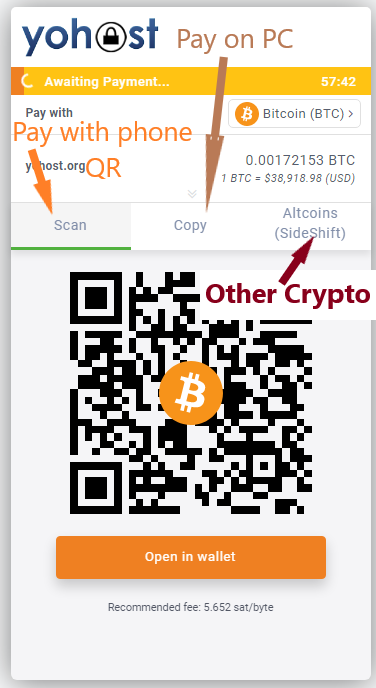
Step 7 — Complete Payment
After registration, proceed to payment.
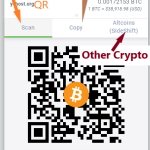
For maximum privacy, we recommend using Bitcoin or other cryptocurrencies for the payment.
Step 8 — Domain Activation
Once your payment is confirmed, your domain is registered and no additional KYC is required.
Why Use No KYC Domain Registration?
People choose privacy-focused domain registration for different reasons:
- Protect personal identity
- Avoid data leaks
- Reduce exposure to third parties
- Maintain operational privacy
Important Considerations
Before choosing a no-KYC registrar, keep in mind:
- Not all providers are trustworthy
- Some may still request verification later
- Payment method can affect your privacy level
- Always read terms and policies
Conclusion
Despite increasing global regulations,
no KYC domain registration is still possible in 2026.
The key is choosing the right provider and understanding how privacy actually works — not just marketing claims.
If privacy matters to you, take control of your data from the very beginning — starting with your domain.









No Comments
Leave a comment Cancel